Your comics,
reader-ready.
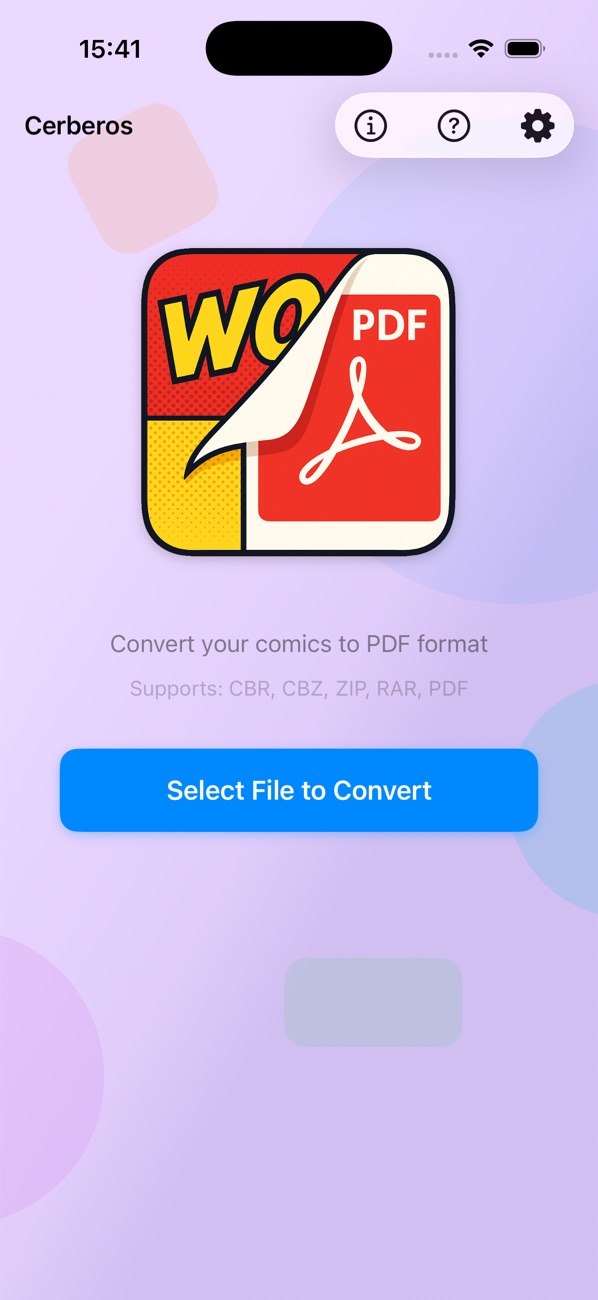
Cerberos turns a 60 MB comic archive into a light PDF sized for your e-reader’s screen. Pick your device, tap Convert, send it to your Kindle.
- CBR
- CBZ
- ZIP
- RAR
Free to convert and preview · No account · Your comics never leave your device
- 5input formats
- 11ready-made device profiles
- 1tap to convert
- 0uploads: everything runs on device
From scan to e-ink, in one tap
A comic archive holds full-size scans made for big screens. Cerberos rebuilds every page for the screen you actually read on.
It opens what you throw at it
CBR, CBZ, ZIP, RAR or PDF: Cerberos reads the file’s real signature, not its extension, so a “.cbz” that is actually a RAR still converts. Pages come out in the order you expect.
- Natural page order: page 2 before page 10, like the Finder
- Junk ignored:
__MACOSX,._files, hidden files, thumbnails - JPEG, PNG, WebP, GIF, TIFF and HEIC pages
- Clear messages for damaged or password-protected files
Tune every page, save it as a profile
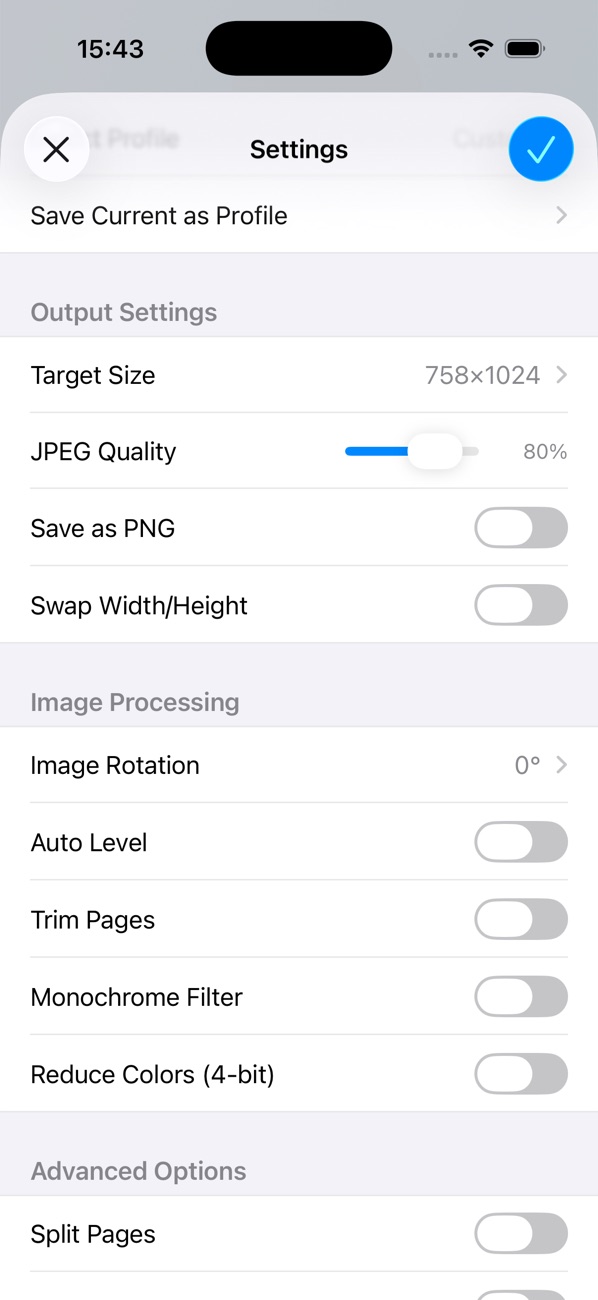
Start from a device profile, then adjust size, JPEG quality, trimming, splitting or rotation. Save the result under your own name and find it again next time.
- Target size from any profile, or swap it for landscape comics
- JPEG quality slider, or lossless PNG pages
- Custom profiles kept on the device
Check the result before it reaches your reader
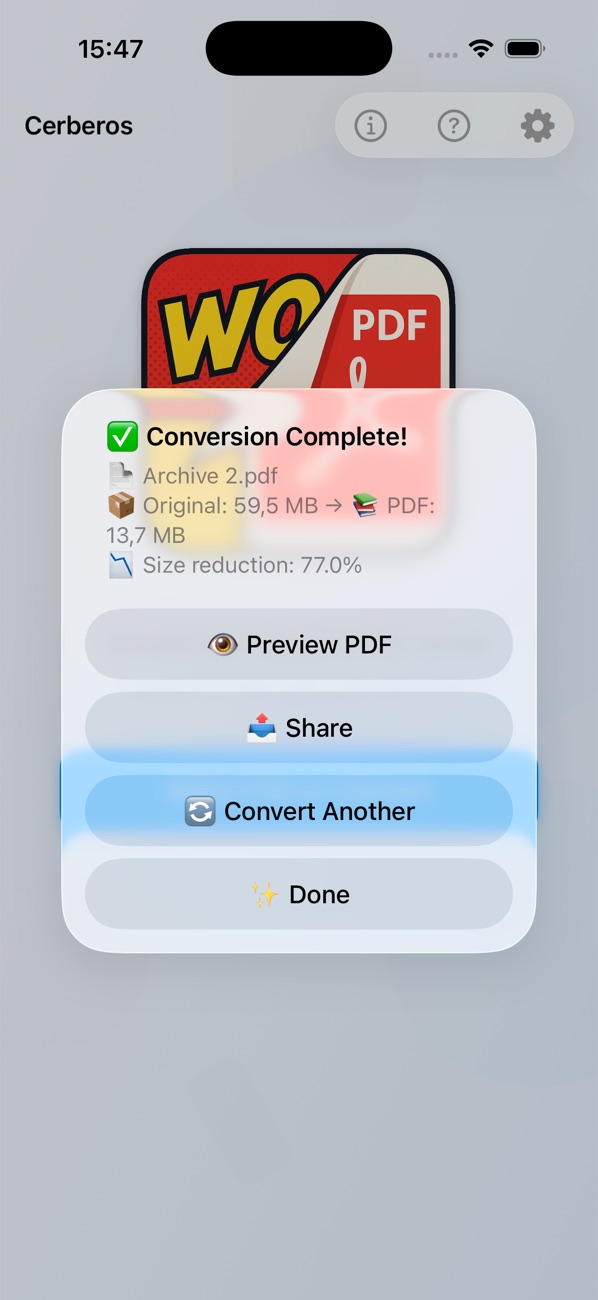
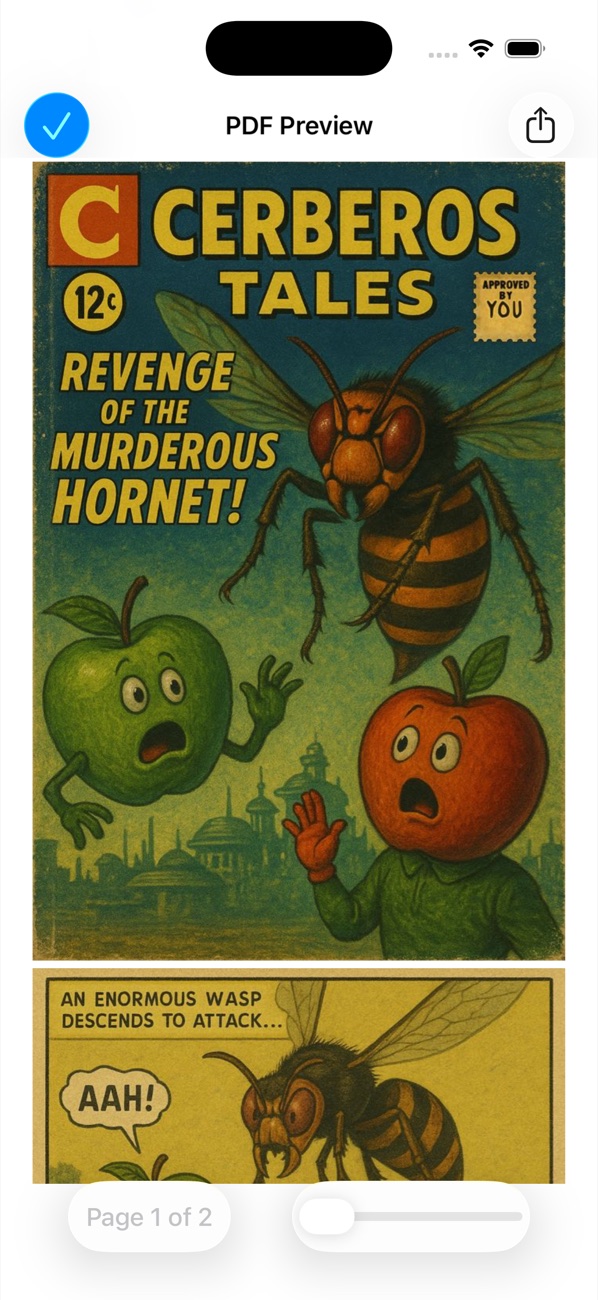
Flip through the converted PDF right away, with a page counter and a scrubber. Cerberos shows the original size, the new size and how much you saved.
- Built-in PDF viewer, page by page
- Before / after size and reduction percentage
- Share to Send to Kindle, Books, Files or AirDrop (Premium)
A profile for your reader
Each profile sets the native resolution of the screen and the right treatment: grayscale and 16 levels for black-and-white e-ink, colors kept for Kaleido screens and tablets.
| Device | Page size (px) | Treatment |
|---|---|---|
| Kindle Paperwhite | 758 × 1024 | Grayscale e-ink |
| Kindle Colorsoft | 1264 × 1680 | Color e-ink |
| Kobo Clara | 1072 × 1448 | Grayscale e-ink |
| Kobo Libra | 1264 × 1680 | Grayscale e-ink |
| Kobo Elipsa | 1404 × 1872 | Grayscale e-ink |
| PocketBook (6") | 1072 × 1448 | Grayscale e-ink |
| PocketBook InkPad (7.8") | 1404 × 1872 | Grayscale e-ink |
| Boox Note Air (10.3") | 1404 × 1872 | Color e-ink |
| reMarkable 2 | 1404 × 1872 | Grayscale e-ink |
| reMarkable Paper Pro | 1620 × 2160 | Color e-ink |
| iPad | 1640 × 2360 | Tablet |
Extra page sizes: iPhone (375 × 667) and, for fun, Amstrad (160 × 200).
Made for e-ink screens
Every option has one goal: bigger, sharper panels on a small screen, in a smaller file.
Trim pages
White margins are cut away so the drawing fills the whole screen.
Split spreads
Double-page spreads become two readable pages instead of one tiny one.
Auto level
Washed-out scans get their black and white points back.
Grayscale & 4-bit
Monochrome and 16-level palettes match what e-ink can show, and shrink the file.
Rotation
Turn pages 90°, 180° or 270° for sideways scans or landscape reading.
Rendered at size
PDF sources are rendered straight at the target size: less memory, no double compression.
Your comics stay yours
Conversion happens entirely on your iPhone or iPad. No file is ever uploaded.
On device
Extraction, image processing and PDF writing run locally.
No tracking
No ads, no tracking, no account to create.
Tidy storage
Converted PDFs older than 7 days and leftover temporary files are cleaned up automatically.
Never half-written
A PDF is only saved once complete: no truncated file if storage runs out.
Why Cerberos exists
Comic archives are made for big screens: full-size color scans, tens of megabytes per issue. Drop one on a Kindle and you get slow page turns, tiny panels lost in white margins, and spreads you can’t read.
Cerberos does the tedious part for you: it opens the archive, trims, splits and levels every page, matches the exact resolution of your reader, and hands you a PDF that feels made for it. Three heads, one job: guard your comics on the way to the e-reader.
Frequently asked questions
How do I get the PDF onto my Kindle?
After conversion, tap Share and pick the Kindle app (“Send to Kindle”), Mail with your Kindle address, or Files if your reader syncs a folder. Sharing requires Premium; preview is free.
Which devices does Cerberos run on?
iPhone and iPad with iOS 17.6 or later. The converted PDFs work on any reader that opens PDF.
My reader isn’t in the list. What size should I use?
Pick the profile closest to your screen, then set its native resolution in portrait. Many 6″ readers use 1072 × 1448, most 7.8″ and 10.3″ ones 1404 × 1872. Save it as your own profile.
Can I convert password-protected or 7z archives?
Not yet. Cerberos detects protected ZIP, RAR and PDF files and tells you instead of producing blank pages. 7z is not supported.
In which order are split pages placed?
Split Pages currently puts the right half first, the manga reading order. A left-to-right setting for European and American comics is planned.
Where are the converted PDFs kept?
In the app’s cache, for 7 days. Share or save the ones you want to keep.
Feed your e-reader
Choose your device, tap Select File to Convert, and read.